Design Pull CLI
A developer tool that closes the gap between Figma and code. Pull design tokens straight into a codebase instead of copy-pasting hex values for two hours.
The handoff gap, closed.
DesignPull is a developer tool that closes the gap between Figma designs and code. It uses the Figma Model Context Protocol to let developers pull design tokens, components, and layout specs straight into their codebase through Claude Code.
I built it because I was tired of the same handoff cycle. You spend hours in Figma getting every token right, hand it off, and two weeks later the QA build feels slightly wrong. The spacing is close but not right. The hierarchy is muted. It is nobody's fault. It is a systems problem, and DesignPull removes it.
Sole designer and engineer.
Sole designer and engineer. I owned strategy, design, development, and launch. Built with Next.js, TypeScript, and the Figma MCP.
Design intent travels better than components.
I started with research into existing design-to-code tools. Most were either too opinionated, generating whole components, or too basic, just exporting CSS. I wanted the middle. A tool that gives developers the design context they need without dictating how they write their code.
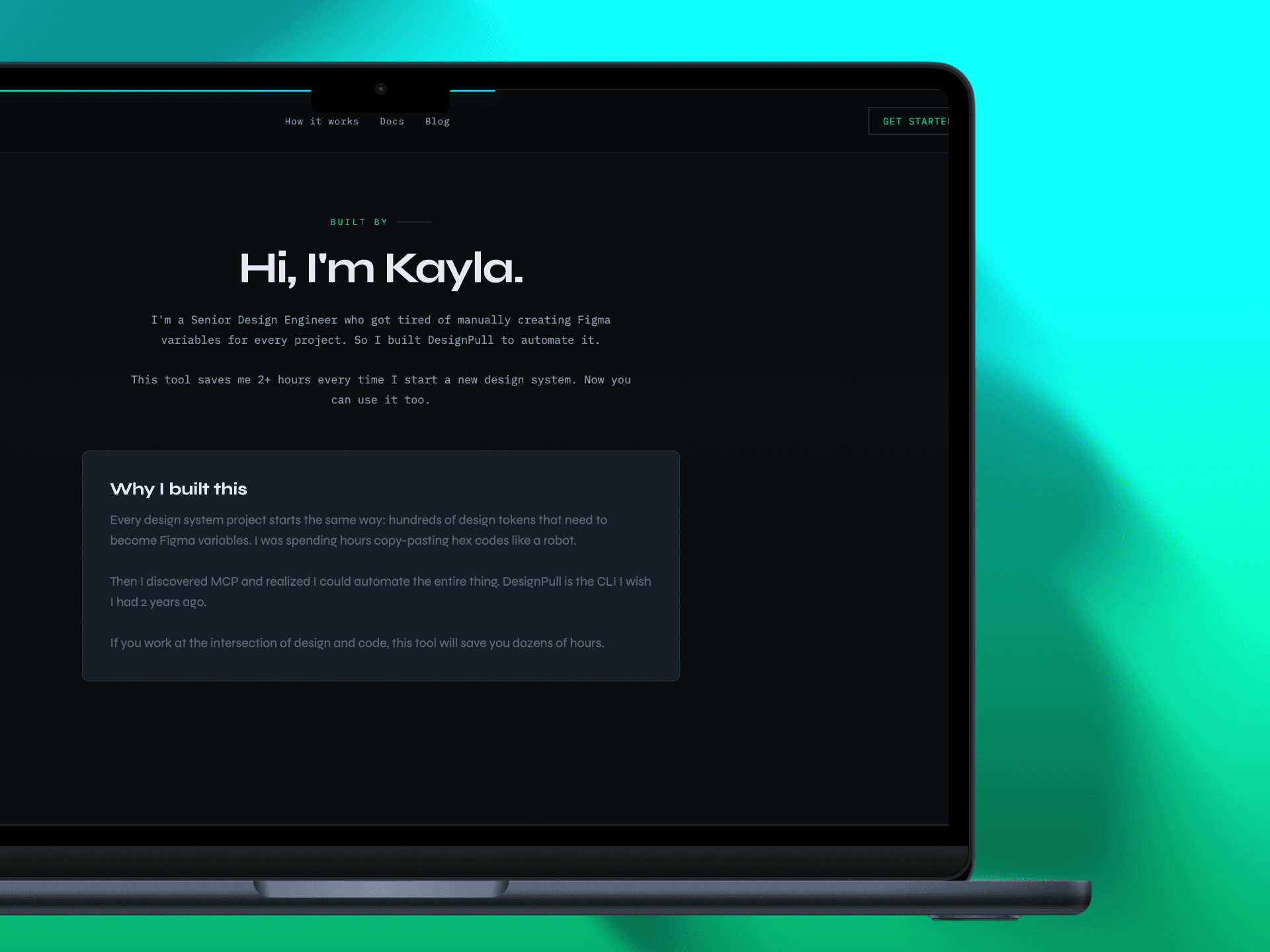
I prototyped the Figma MCP integration first, testing approaches for extracting design data. The key insight was that developers do not need a full component. They need the design intent. Spacing relationships, colour usage patterns, and typography scales.
After validating the core workflow with a few developer friends, I designed the interface around a terminal-first experience that felt native to how developers already work.
Terminal first, opinion last.
Terminal first. Rather than a traditional GUI, DesignPull is a CLI experience with a visual companion. Developers stay in their terminal while the web interface provides visual context for what is being pulled.
Token extraction over component generation. Instead of generating opinionated components, DesignPull extracts tokens and lets developers apply them however they want. That respects existing codebases and coding styles.
Real-time sync. The Figma MCP connection stays live, so when a designer updates a colour or spacing value, developers pull the latest with no manual export step.
Fourteen seconds instead of two hours.
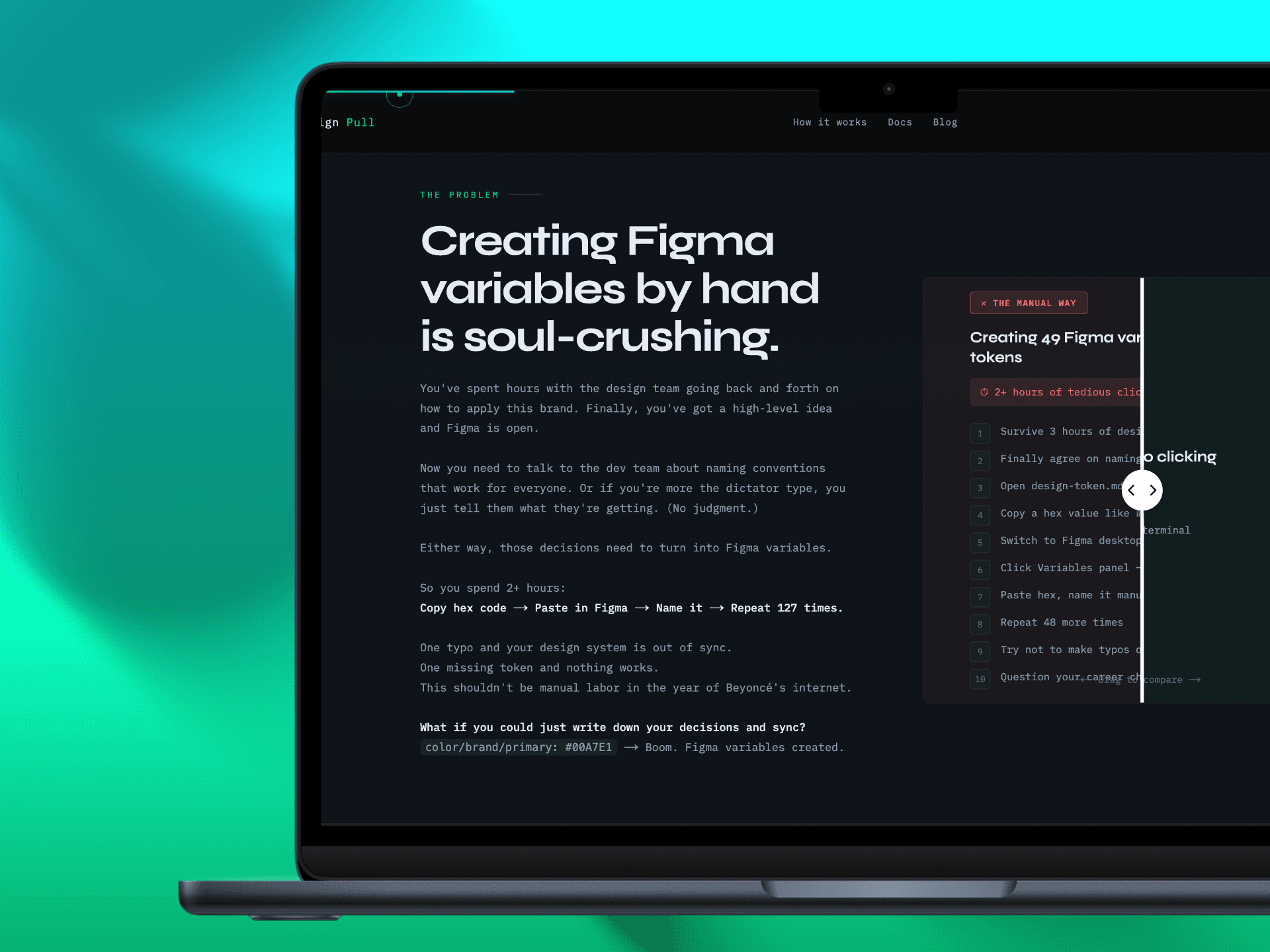
designpull.dev is live and the CLI is on npm. Setup takes about two minutes. Sync takes fourteen seconds. The two hours you used to spend copy-pasting hex codes into the Figma Variables panel are simply gone.
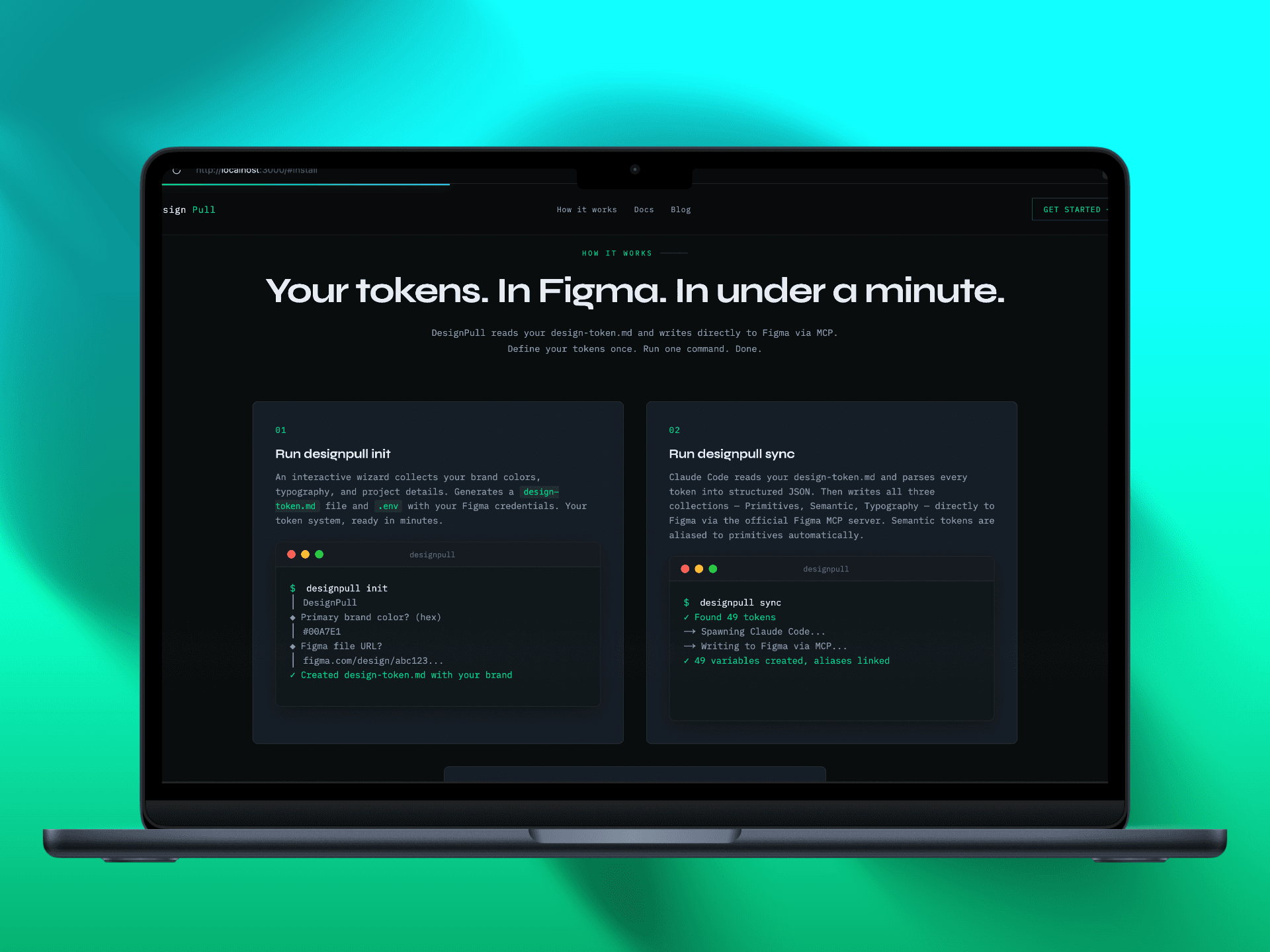
Run init and a wizard walks you through your brand colours, typography, and project details, then generates a token file with your actual values. Run sync and Claude reads that file, parses every token, and writes all three variable collections directly into Figma through MCP. You watch the variables appear in real time without clicking once inside Figma.
The project deepened my understanding of MCP tooling and how AI-assisted workflows can preserve developer agency while removing tedious translation work. The closer design gets to code, the less uncertainty between intent and execution. That is the whole point.